Automatic
After your purchase, download the Linklan App and go to “My eSIMs”.Tap “Install eSIM” and follow the on-screen instructions.*That’s it! Your data will activate automatically at your destination.
An eSIM is a digital SIM that lets compatible devices connect to mobile networks without inserting a physical SIM card. You download a plan to your device and select it for mobile data. Supported devices can store multiple plans; storage and active-line limits vary.
Explore eSIM Plans

Once activated, your eSIM connects your device to a supported local mobile network at your destination, with speeds of up to 5G where available. You can continue using your phone just as before—your apps, accounts, contacts, and WhatsApp number all stay the same. The only difference is that your mobile data now comes from your eSIM plan.

Choose one: phone or Linklan Hotspot.

After your purchase, download the Linklan App and go to “My eSIMs”.Tap “Install eSIM” and follow the on-screen instructions.*That’s it! Your data will activate automatically at your destination.

Find your eSIM QR code in the Linklan App or in the setup email we sent you.Press and hold the QR code to install (only for iOS 17.4+) or scan it with your mobile device. Tap “Add eSIM” and follow the on-screen instructions. Your data will activate at destination.

Find your manual installation code in the Linklan App or in the setup email we sent you.* Open Settings > Connections > Mobile Network or SIM Manager. Tap Add eSIM or Add Mobile Plan. Select Scan QR Code, then tap Enter Details Manually and enter the codes. Your data will activate at destination.

Your eSIM details are available in the Linklan App and sent to your email after purchase.

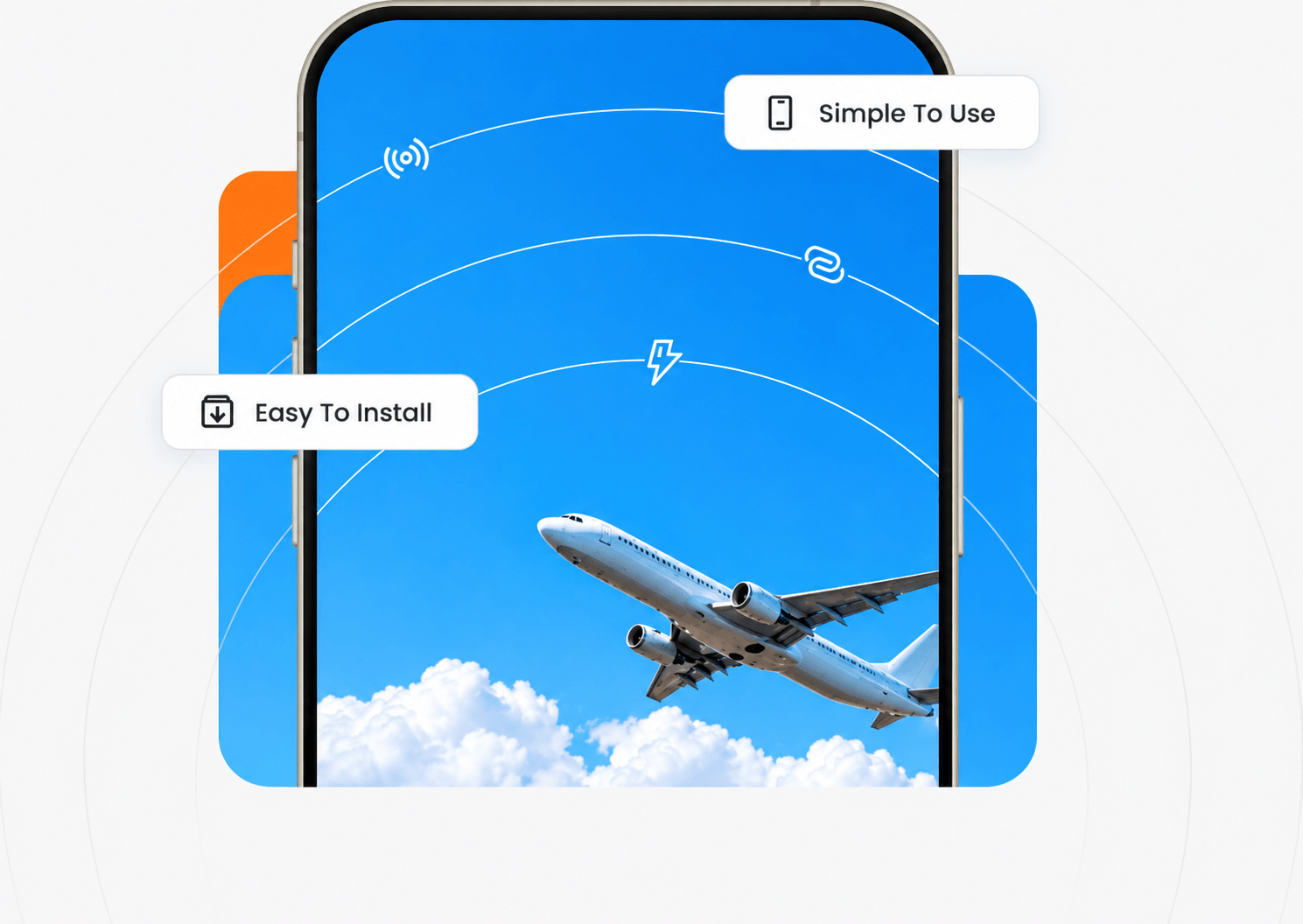
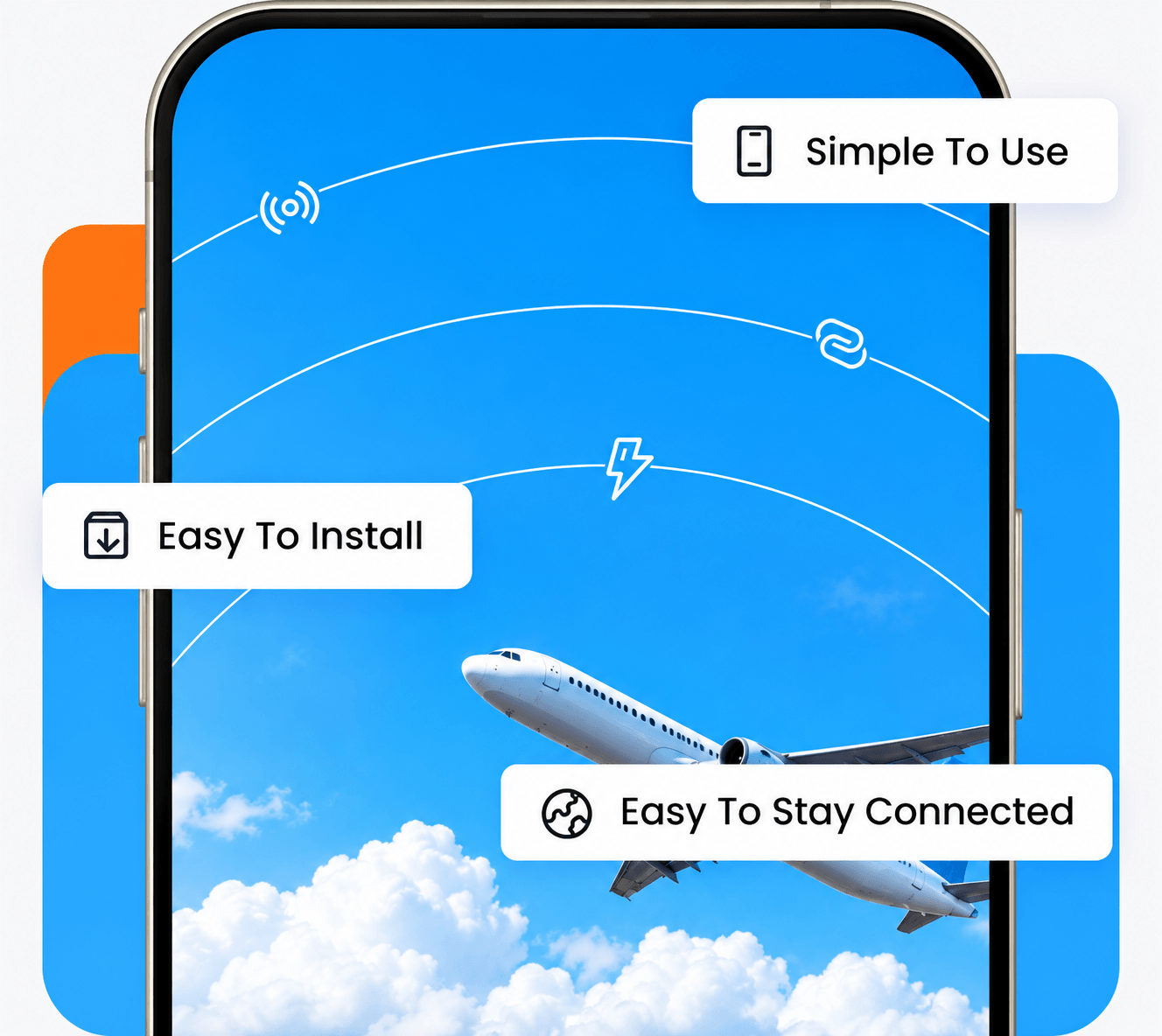
Install your eSIM in minutes using automatic setup, a QR code, or manual installation details.

Keep using your usual apps, contacts, accounts, and WhatsApp number just as before.

Store multiple eSIM plans on compatible devices and switch between them as your journey changes.

Install your eSIM on a compatible phone, or use it with a Linklan Hotspot to connect multiple devices.

Choose a suitable data plan before departure and manage your travel data without relying on traditional roaming.
Everything Works As Usual
Use eSIM Beyond Your Phone
One Plan. All Your Devices.
Everything In One App
Support Throughout Your Journey
Choose your destination, find the right plan, and stay connected your way with Linklan.Choose your destination, find the right plan, and stay connected your way with Linklan.
Explore Destinations

Get quick answers to our most-asked questions.
Getting an eSIM is simple. First, make sure your device supports eSIM, then follow these steps:
1. Choose your destination.
2. Select the data plan that fits your trip.
3. Complete your purchase and receive your eSIM instantly in the Linklan App and by email.
4. Install your eSIM automatically on supported iPhones, or use the QR code or manual installation details.
5. Keep the eSIM turned off until you arrive, then activate it and connect.
Activation rules vary by plan. Many plans activate when the eSIM is enabled and first connects to a supported network. We recommend keeping your eSIM turned off until you arrive at your destination, especially when using a regional plan. View details
It depends on the plan you choose. Most Linklan eSIM plans are data-only and will not change your existing phone number. If a plan includes a phone number, this will be clearly stated in the plan details and setup instructions.
Yes. If both a physical SIM and an eSIM are installed on your device, you can switch between them directly in your mobile network settings. This allows you to keep your regular SIM for everyday use and your Linklan travel eSIM for mobile data abroad.
Please check that your device supports eSIM before purchasing.
Most modern smartphones support eSIM, including iPhone XR and later and Samsung Galaxy S20 and later. Check our regularly updated list of eSIM-compatible phones before purchasing.
Many eSIM hotspots only support specific plans or services. Linklan Unlocked eSIM Hotspots work with a wide range of compatible eSIM plans. learn more..
Not necessarily. Both eSIM and physical SIM connect to mobile networks in the same way. Signal quality depends mainly on local coverage, network conditions, and your device.
If you use the eSIM on your phone, your physical SIM will remain available unless you deactivate it. When both are installed, you can switch between them in your phone’s mobile network settings. The unselected SIM stays inactive until you switch back.
Getting an eSIM is simple. First, make sure your device supports eSIM, then follow these steps:
1. Choose your destination.
2. Select the data plan that fits your trip.
3. Complete your purchase and receive your eSIM instantly in the Linklan App and by email.
4. Install your eSIM automatically on supported iPhones, or use the QR code or manual installation details.
5. Keep the eSIM turned off until you arrive, then activate it and connect.
Activation rules vary by plan. Many plans activate when the eSIM is enabled and first connects to a supported network. We recommend keeping your eSIM turned off until you arrive at your destination, especially when using a regional plan. View details
It depends on the plan you choose. Most Linklan eSIM plans are data-only and will not change your existing phone number. If a plan includes a phone number, this will be clearly stated in the plan details and setup instructions.
Yes. If both a physical SIM and an eSIM are installed on your device, you can switch between them directly in your mobile network settings. This allows you to keep your regular SIM for everyday use and your Linklan travel eSIM for mobile data abroad.
Please check that your device supports eSIM before purchasing.
Most modern smartphones support eSIM, including iPhone XR and later and Samsung Galaxy S20 and later. Check our regularly updated list of eSIM-compatible phones before purchasing.
Many eSIM hotspots only support specific plans or services. Linklan Unlocked eSIM Hotspots work with a wide range of compatible eSIM plans. learn more..
Not necessarily. Both eSIM and physical SIM connect to mobile networks in the same way. Signal quality depends mainly on local coverage, network conditions, and your device.
If you use the eSIM on your phone, your physical SIM will remain available unless you deactivate it. When both are installed, you can switch between them in your phone’s mobile network settings. The unselected SIM stays inactive until you switch back.