Easy eSIM Installation
The Linklan eSIM App offers multiple installation methods to choose from.
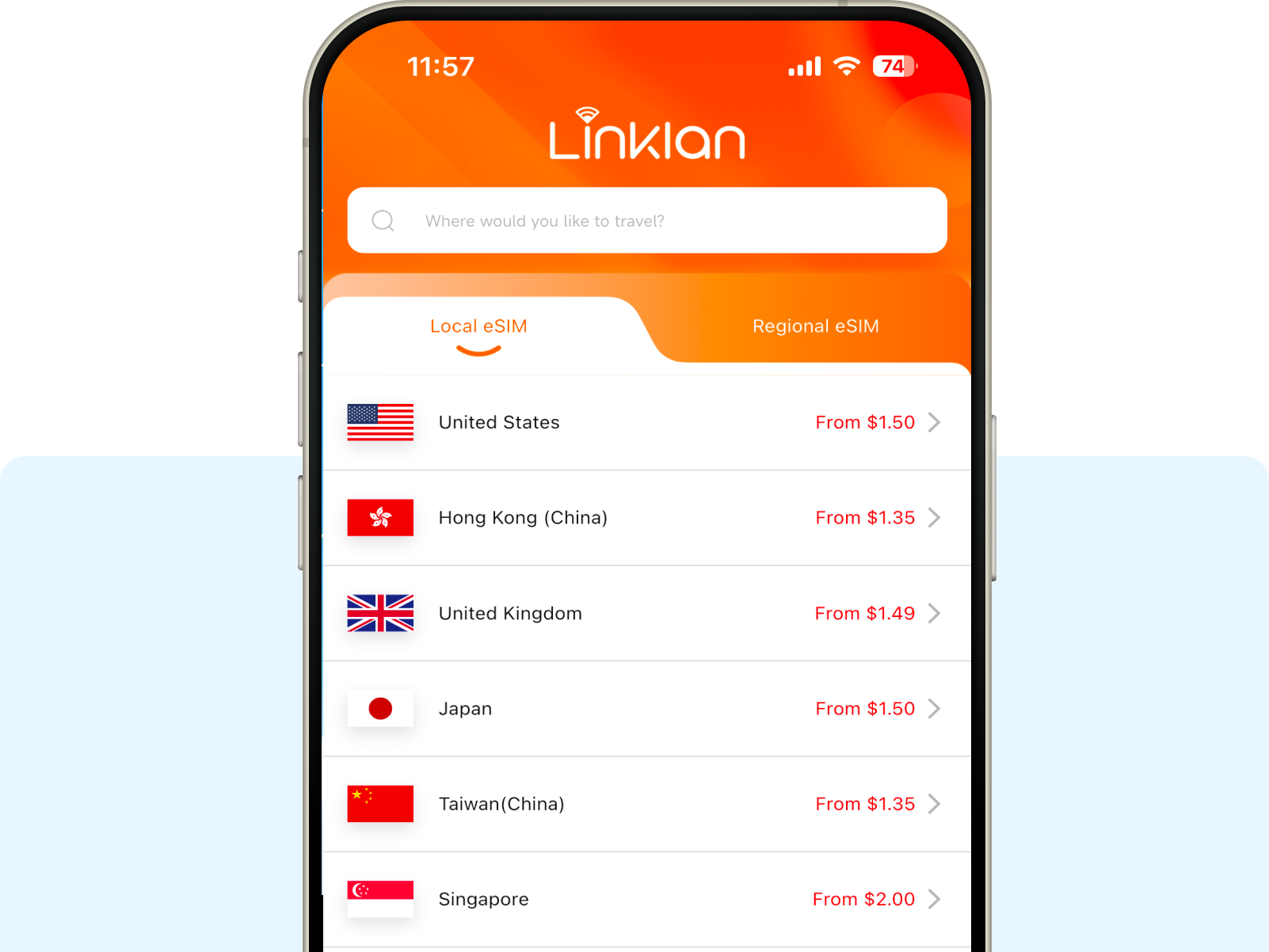
Buy and manage eSIM plans for 180+ destinations in oneplace. Choose flexible data options and enjoy seamless connectivityacross your devices with Linklan.


The Linklan eSIM App offers multiple installation methods to choose from.
Track your data usage and manage your eSIM plans anytime in the Linklan App.
Control your Linklan devices and connection settings easily from one app.
Refer a friend to an eSIM plan and you both get $2 when they purchase.

Get help whenever you need it with Linklan customer support.
Upgrade your data plan anytime and stay connected throughout your journey.
Start by downloading the Linklan App from the App Store or Google Play.
Log in with your account to access your eSIM plans and connected devices.
Access your eSIM plans, devices, and connectivity services in one place.
Download the Linklan App and discover a smarter way to stay connected.
Quick answers for your questions.
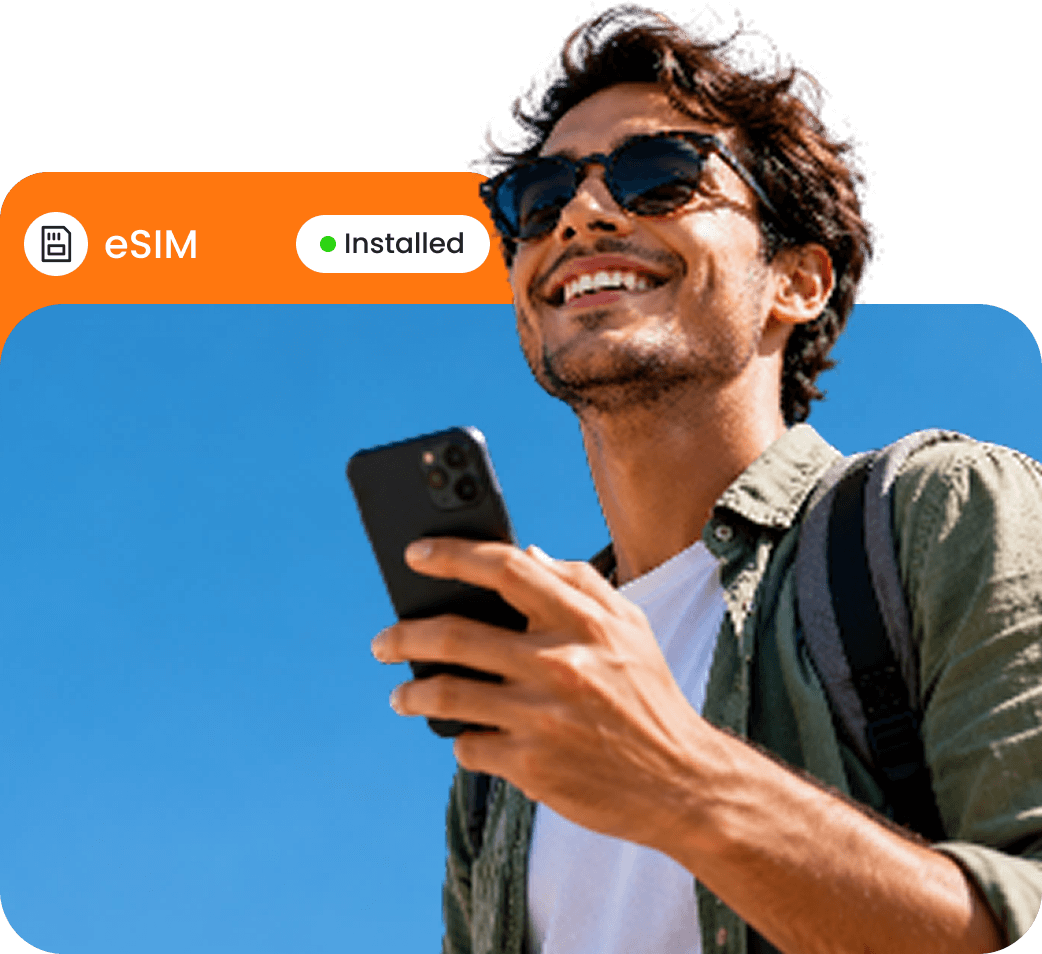
Follow our setup guide to install and activate your eSIM before or during your trip.
Linklan eSIM plans can be used on compatible smartphones, tablets, and Linklan eSIM devices, including portable hotspots and routers.
Open the Linklan App, select your eSIM plan, and view your remaining data and plan details.
Connect your Linklan devices through the app to manage device settings, monitor usage, and enjoy a smoother connectivity experience.
If your eSIM plan supports top-ups, you can purchase additional data through the Linklan App. Check your plan details for availability.